
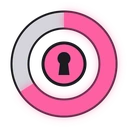
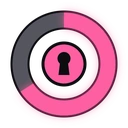
 GTA 6 Lockpick
jo_lockpick is a free FiveM lockpick script with a GTA 6 (GTA VI) style minigame: move the stick to find a hidden sweet spot and fill the circle to pick the lock. Inspired by GTA VI, not an official Rockstar Games product.
Watch the trailer
1. Installation
Standalone: it works with every framework (ESX, QBCore, QBox, VRP, …) and only requires OneSync.
- Get it for free on the store, then download it from the Cfx.re portal
- Put
jo_lockpickin your resources folder - Add
ensure jo_lockpickto your server.cfg
GTA V Enhanced ready
Lockpick works on FiveM for GTAV Enhanced (tested in game) and on FiveM Legacy, with the same files.
Only the minigame
Lockpick is only the minigame interface: no door, vehicle, safe or item logic. Your scripts start it with an export and decide what happens next, so it fits any door lock, vehicle key, robbery or inventory script.
2. Usage
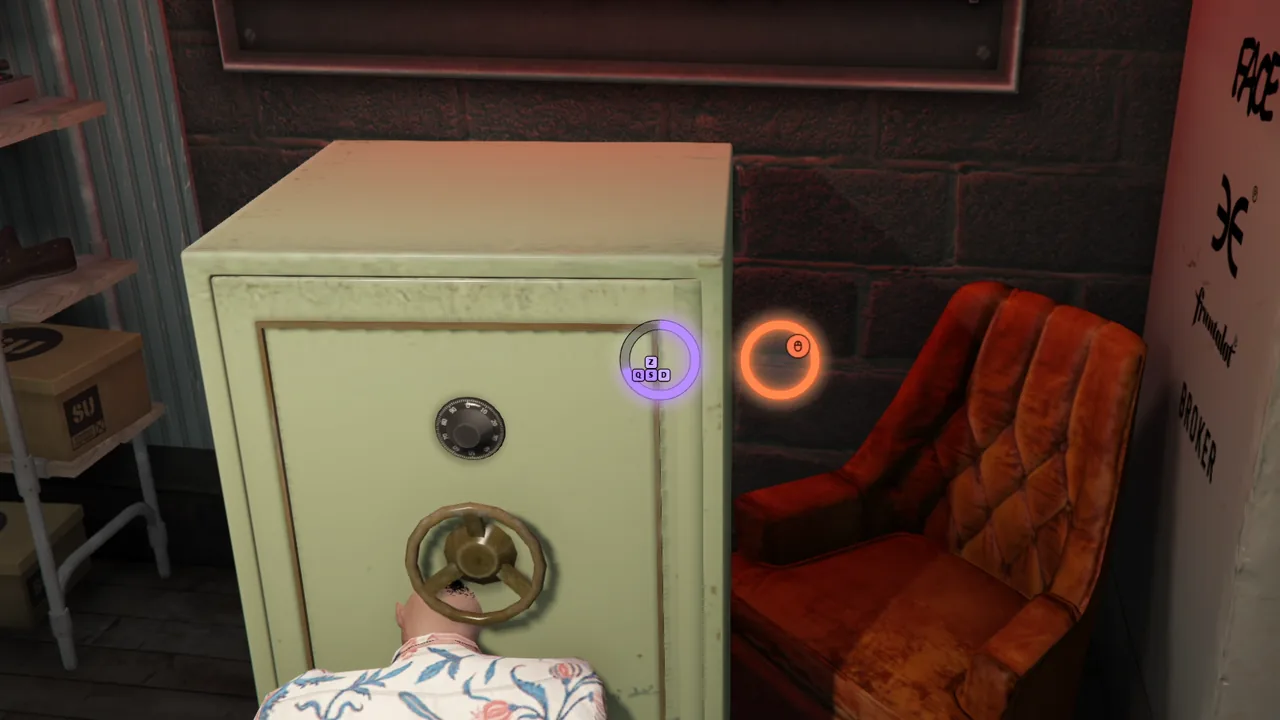
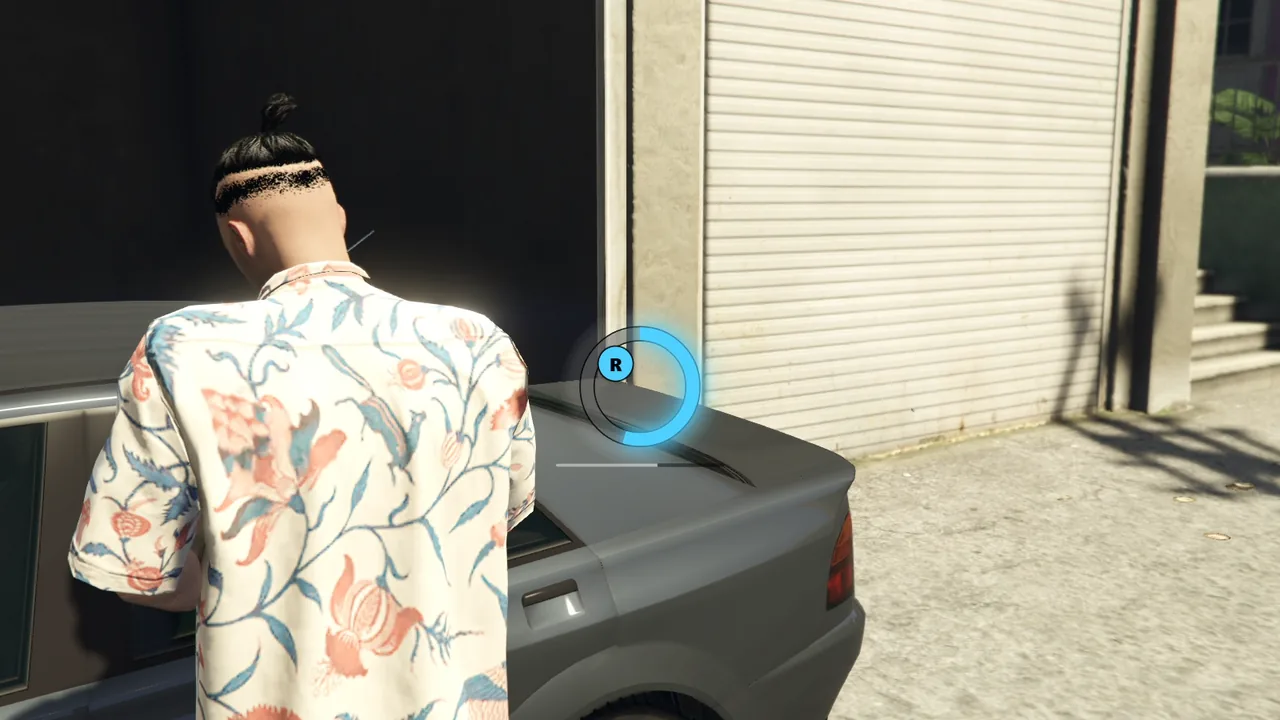
The minigame always shows in the center of the screen:
- A sweet spot is hidden around each circle (8 possible directions by default).
- The circle fills slowly on its own, even at rest, and 10 times faster while the stick points at the sweet spot.
- The badge takes the circle color as the stick gets closer and vibrates inside the spot. A gamepad vibrates more and more too.
- A full circle locks. The lock is picked when every circle is full.
| Input | Left circle | Right circle |
|---|---|---|
| Gamepad | Left stick | Right stick |
| Keyboard & mouse | Movement keys (8 directions) | Mouse |
With 1 circle, only the right one shows (right stick or mouse). With 2 circles, both sweet spots must be found.
Cancel with F, Escape or Backspace (Y or B on a gamepad).
Fail mode
With failMode.enabled, a timer runs below the circles and a circle drains whenever its stick is out of the sweet spot. The attempt fails when the timer ends. With failMode.holdCompleted and 2 circles, a full circle must stay in its sweet spot while the player looks for the other one.
3. Configuration
The configuration files are located in the config folder within the resource. This folder contains two subfolders:
_default.lock/- Contains the default configuration files. Do not edit these files directly as they may be overwritten during updates.custom/- This is where you place your custom configuration files to override the defaults.
How to customize the configuration
- Navigate to
jo_lockpick/config/_default.lock/ - Copy the file you want to modify (e.g.,
prices.lua) - Paste it into
jo_lockpick/config/custom/ - Edit the copied file in the
customfolder
The script automatically loads files from custom/ first, and only uses _default.lock/ as a fallback. This system ensures your customizations are preserved when updating the script.
Default configuration files
| Option | Use |
|---|---|
circles | 1 (right stick or mouse) or 2 (both sticks) |
scale | UI size: 1.5 (default), 1.0 = 116 px circles, 2.0 = 232 px |
shape | % of the circle drawn, centered on top: 100 (default) full circle, 50 half-circle. The white ring stays full |
track | Part left to fill: "dark" (default, pale fill out of the sweet spot) or "pale" (pale part left, fill always in full color) |
progressWidth | Ring thickness in px before scale (default 10), grows inward |
badgeSize | Badge size in px before scale (default 28), keycaps included |
zoneSize | Width of the sweet spot in degrees: smaller is harder |
fillDuration | Time (ms) to fill a circle out of the sweet spot |
zoneMultiplier | Fill speed inside the sweet spot |
angleSteps | Possible directions of the sweet spot: 8 (keyboard directions) or 0 (any angle) |
targetDrift | Rotation speed of the sweet spot in degrees/s, 0 = static |
failMode | Timer, drain out of the sweet spot, failure |
color | One CSS color ("#4fd1ff"), or a list to pick one per circle at random |
border | Border of the circles and badges, false = none |
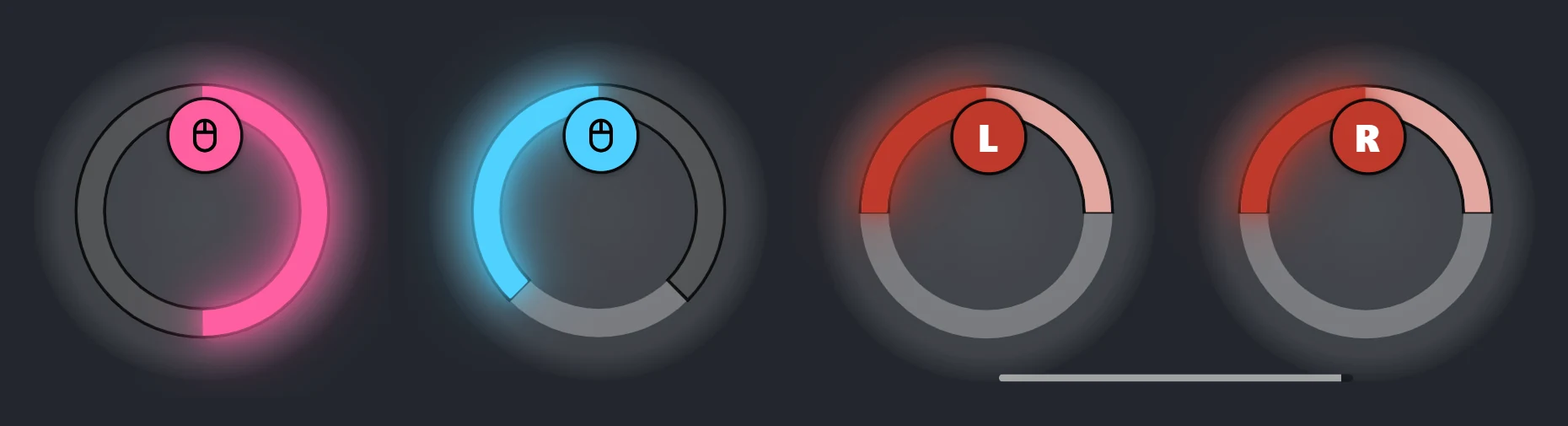
Left to right: default look, shape = 75, then shape = 50 + track = "pale" with 2 circles (the look of Hotwire).
Keyboard and small sweet spots
The keyboard has only 8 directions: keep zoneSize at 45 or more when angleSteps is not 8 or with targetDrift, or the sweet spot can fall between two directions.
4. How to use
Call the export from a client script: it waits for the end of the attempt and returns "success", "failed" or "cancelled". The optional options table overrides Config.minigame for this call.
The two examples below are simplified scenes of the Lockpick trailer.
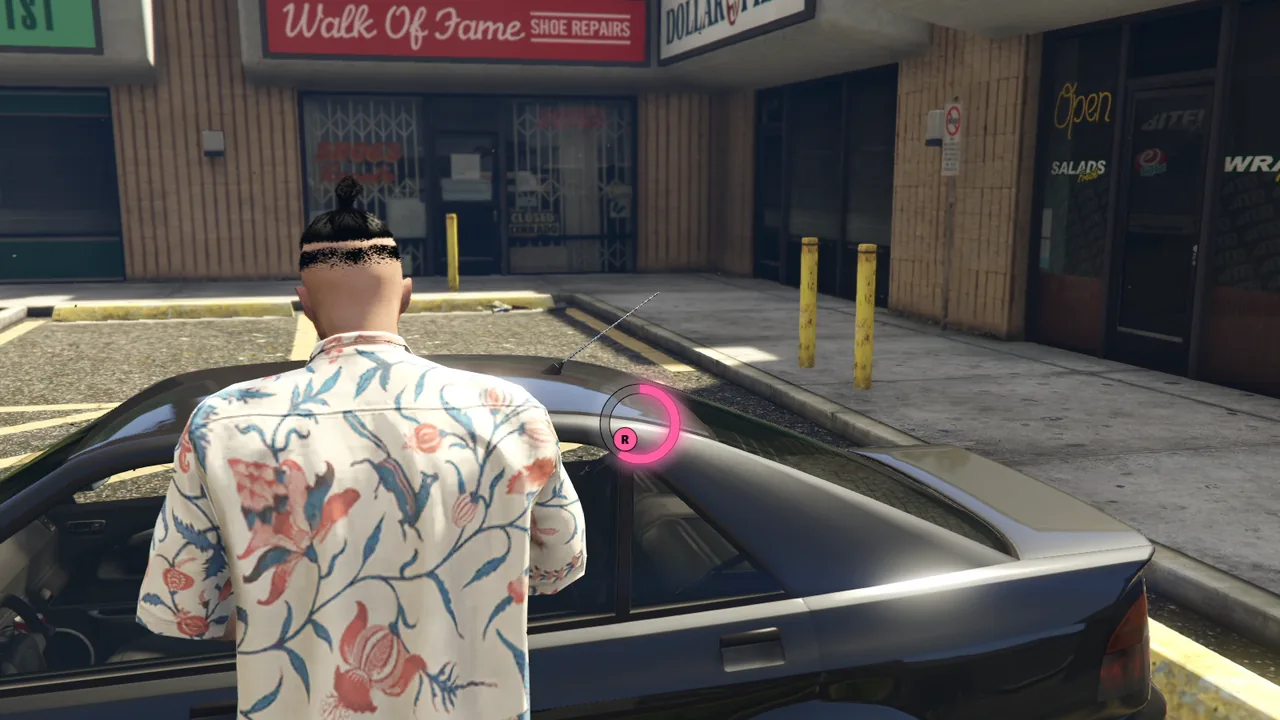
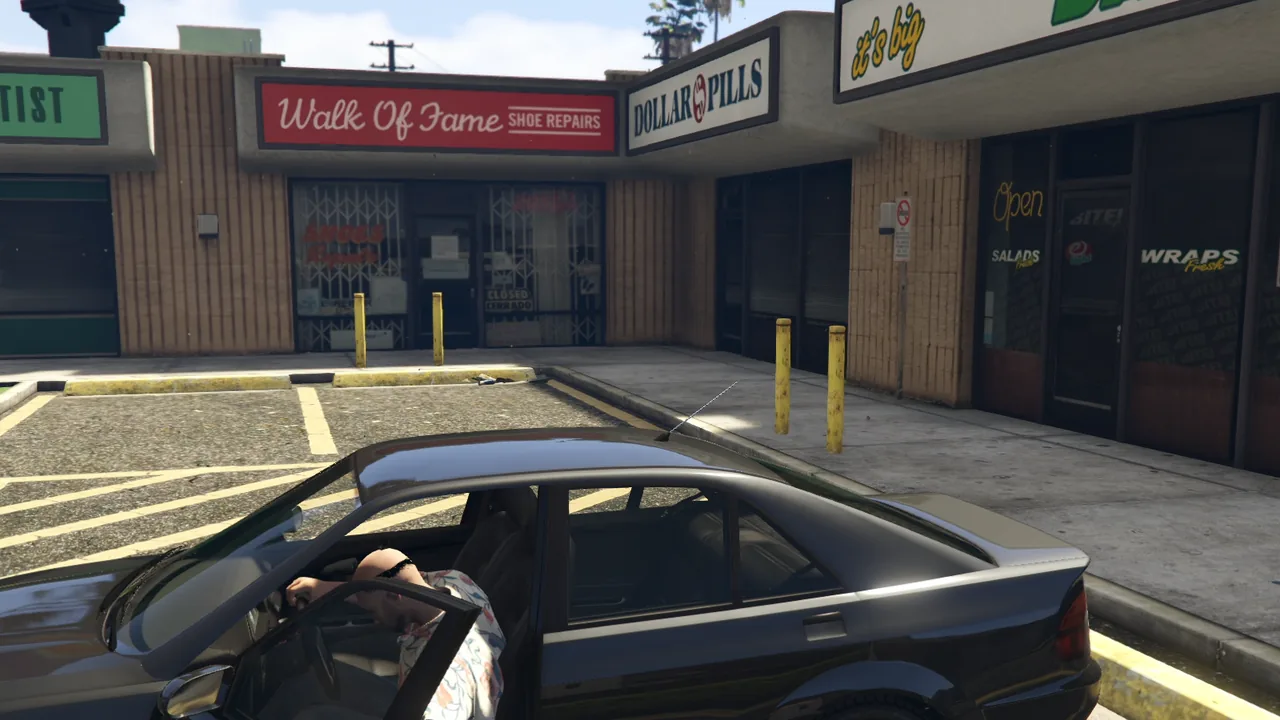
Example: pick a locked car door
Trying to open a locked door starts the lockpick instead of the enter animation. Success unlocks the door and the player gets in, failure sets off the alarm.
Video: the car door example in game
local ANIM_DICT, ANIM_CLIP = "mp_common_heist", "pick_door" -- standing, hands at the door handle

CreateThread(function()
  while true do
    local ped = PlayerPedId()
    local vehicle = GetVehiclePedIsTryingToEnter(ped)

    if vehicle ~= 0 and GetVehicleDoorLockStatus(vehicle) == 2 and not exports.jo_lockpick:IsLockpickRunning() then
      local seat = GetSeatPedIsTryingToEnter(ped)
      ClearPedTasks(ped) -- cancel the game's enter task

      RequestAnimDict(ANIM_DICT)
      while not HasAnimDictLoaded(ANIM_DICT) do Wait(0) end
      TaskPlayAnim(ped, ANIM_DICT, ANIM_CLIP, 3.0, 3.0, -1, 1, 0.0, false, false, false)

      local result = exports.jo_lockpick:StartLockpick({
        failMode = { enabled = true }, -- a time limit, so the attempt can fail
      })
      StopAnimTask(ped, ANIM_DICT, ANIM_CLIP, 2.0)

      if result == "success" then
        SetVehicleDoorsLocked(vehicle, 1)
        TaskEnterVehicle(ped, vehicle, 5000, seat, 1.0, 1, 0)
      elseif result == "failed" then
        SetVehicleAlarm(vehicle, true)
        SetVehicleAlarmTimeLeft(vehicle, 10000)
        StartVehicleAlarm(vehicle)
      end
    end

    Wait(0)
  end
end)
TIP
In the trailer, the player first walks to the handle of that door and faces it, so the animation lines up.
Example: crack a safe with 2 circles
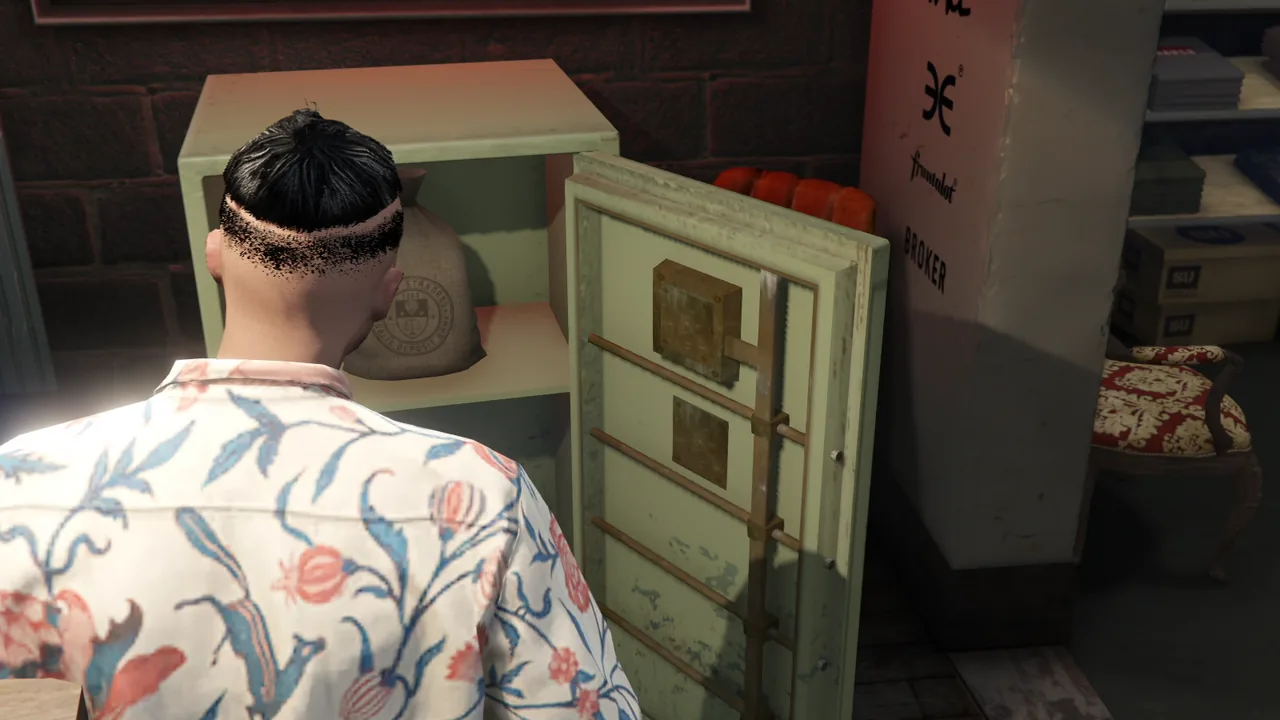
The player presses E next to the safe, crouches with a screwdriver and must find both sweet spots before the timer ends.
Video: the safe example in game
local SAFE_ANIM = { dict = "anim@amb@clubhouse@tutorial@bkr_tut_ig3@", clip = "machinic_loop_mechandplayer" }
local SCREWDRIVER = `prop_tool_screwdvr01`

-- ° Called from your own interaction: a key press next to the safe, a target, an item...
local function crackSafe()
  local ped = PlayerPedId()

  -- Crouched, hands on the lock, a screwdriver in the right hand
  RequestAnimDict(SAFE_ANIM.dict)
  while not HasAnimDictLoaded(SAFE_ANIM.dict) do Wait(0) end
  TaskPlayAnim(ped, SAFE_ANIM.dict, SAFE_ANIM.clip, 3.0, 3.0, -1, 1, 0.0, false, false, false)

  RequestModel(SCREWDRIVER)
  while not HasModelLoaded(SCREWDRIVER) do Wait(0) end
  local coords = GetEntityCoords(ped)
  local tool = CreateObject(SCREWDRIVER, coords.x, coords.y, coords.z, false, false, false)
  AttachEntityToEntity(tool, ped, GetPedBoneIndex(ped, 57005), 0.09, 0.1, -0.01, 90.0, 0.0, 0.0, true, true, false, true, 1, true)

  local result = exports.jo_lockpick:StartLockpick({
    circles = 2,                   -- one sweet spot per stick
    failMode = { enabled = true }, -- a time limit, the circles drain out of their sweet spots
  })

  StopAnimTask(ped, SAFE_ANIM.dict, SAFE_ANIM.clip, 2.0)
  DeleteEntity(tool)

  if result == "success" then
    -- open the safe: the trailer plays the game's safe cracking scene ("mini@safe_cracking")
  end
end
Difficulty per lock
local difficulties = {
  easy = { zoneSize = 70 },
  medium = { zoneSize = 50 },
  hard = { zoneSize = 30, targetDrift = 20, failMode = { enabled = true } },
}

local result = exports.jo_lockpick:StartLockpick(difficulties.hard)
Real integration: Hotwire
Hotwire 2.0 uses Lockpick for its minigame: two half-circles in the paint color of the vehicle, with its own help text.
local result = exports.jo_lockpick:StartLockpick({
  circles = 2,
  shape = 50,       -- half-circles
  track = "pale",   -- the part left to fill in the pale color
  zoneSize = 24,
  minStickMagnitude = 0.55,
  color = paint,    -- "#rrggbb" of the vehicle
  failMode = { enabled = true, maxDuration = 15000, regressDuration = 667, holdCompleted = true },
  instructions = "Move {L} and {R} to find both sweet spots, fill the half-circles and start the vehicle without a key.",
})
Meanwhile, a second thread calls exports.jo_lockpick:StopLockpick() if the player leaves the driver seat, which cancels the attempt.
5. For developers
Exports
-- @side : Client side
exports.jo_lockpick:StartLockpick(options) -- Run the minigame, returns "success", "failed" or "cancelled"
exports.jo_lockpick:IsLockpickRunning()
exports.jo_lockpick:StopLockpick()         -- Cancel the running attempt, false if none
Calling StartLockpick while a minigame runs returns "cancelled" at once.
StopLockpick cancels an attempt whose context is gone (the player left the vehicle, the door was opened...): call it from another thread while StartLockpick waits, which then returns "cancelled".
options.instructions (string) replaces the lang.lua help text for one call, {L} and {R} being the control icons.
INFO
StopLockpick, options.instructions, shape and track require jo_lockpick 1.1.0 or later.
Events
Each event receives the final config of the attempt.
-- @side : Client side
AddEventHandler("jo_lockpick:client:started", function(config) end)
AddEventHandler("jo_lockpick:client:succeeded", function(config) end)
AddEventHandler("jo_lockpick:client:failed", function(config) end)
AddEventHandler("jo_lockpick:client:cancelled", function(config) end)
Debug command
With Config.debugMode = true, the sweet spots are visible and /lockpick [1|2] [fail] runs the minigame with 1 or 2 circles, optionally in fail mode.