# Menu `[Client]`
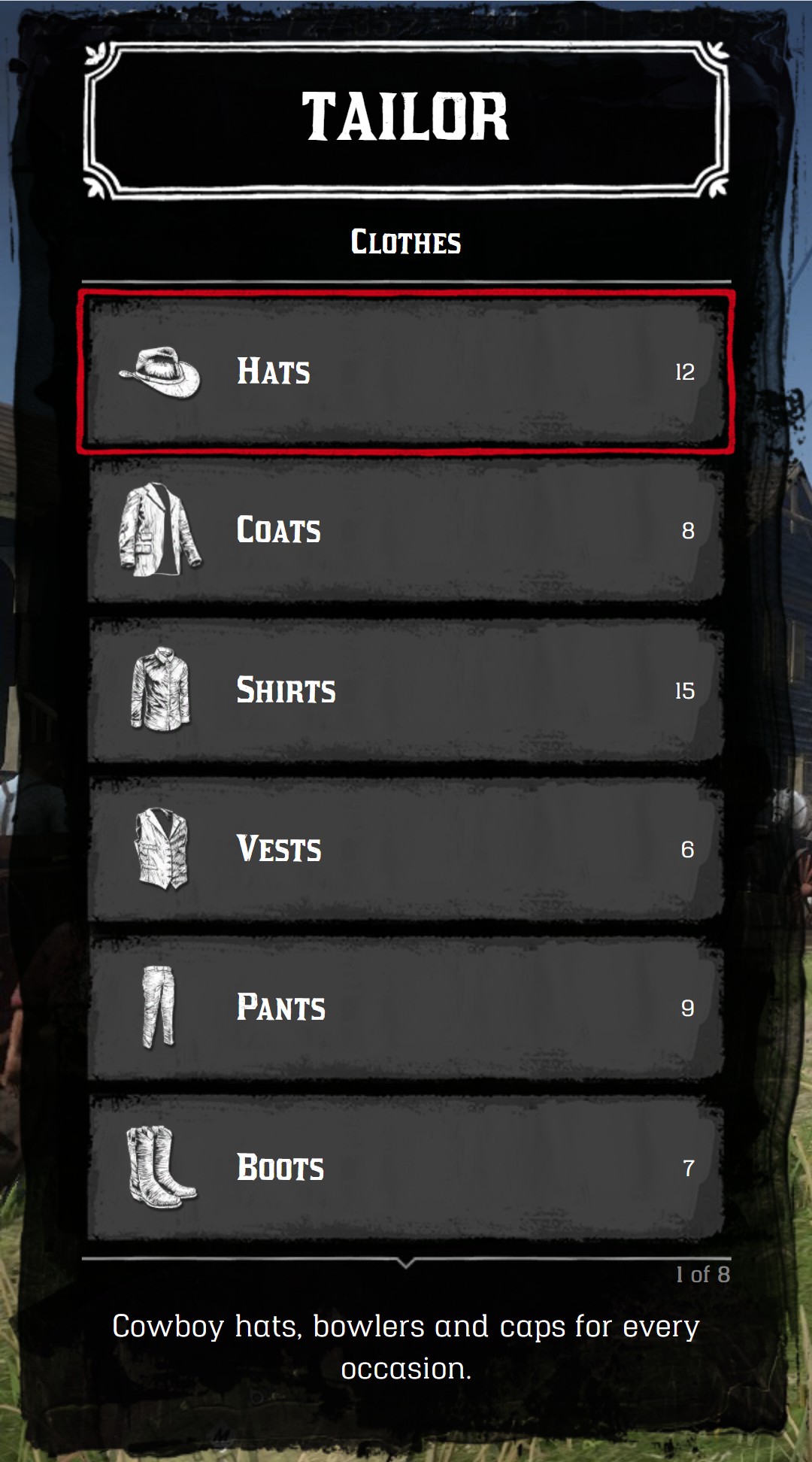
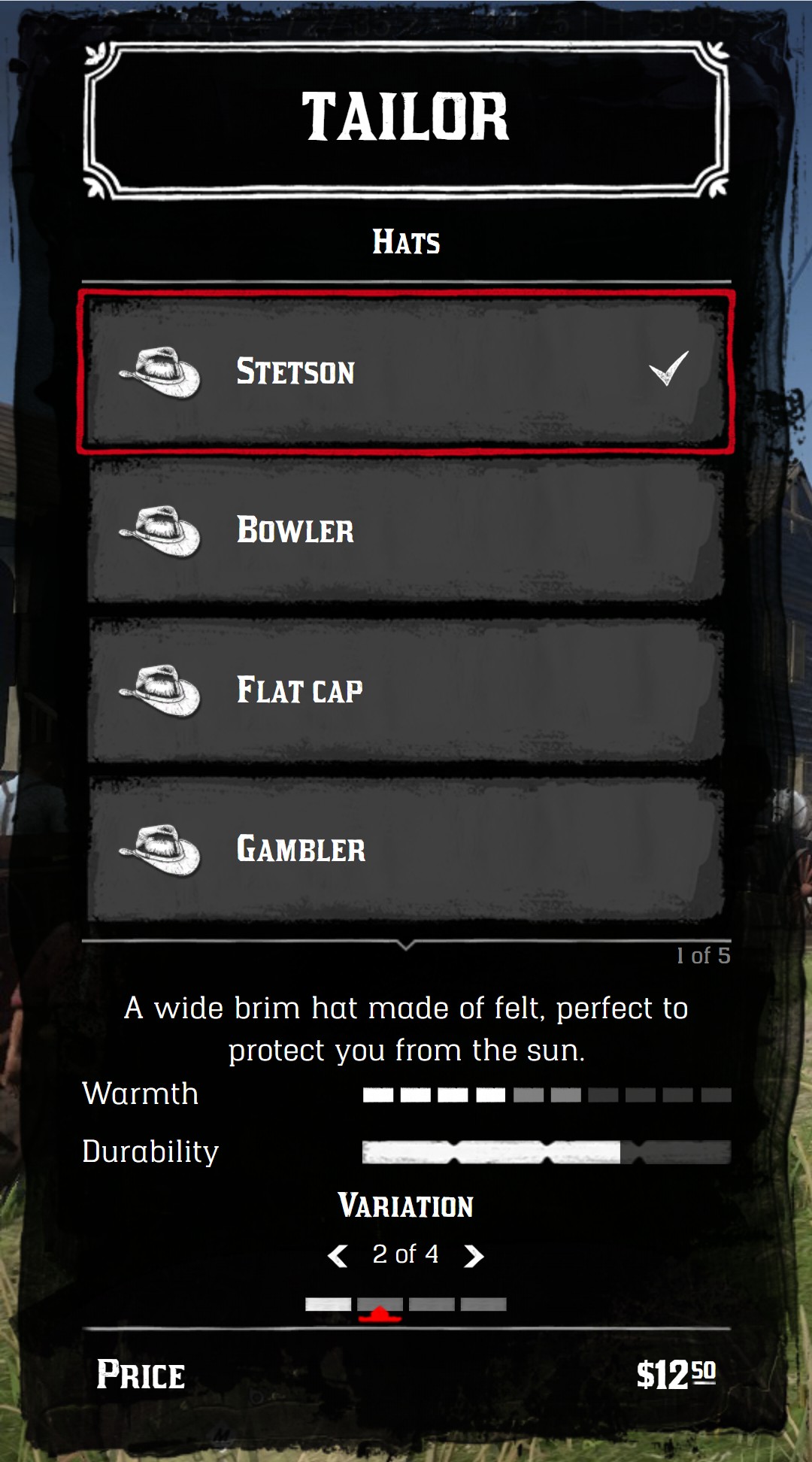
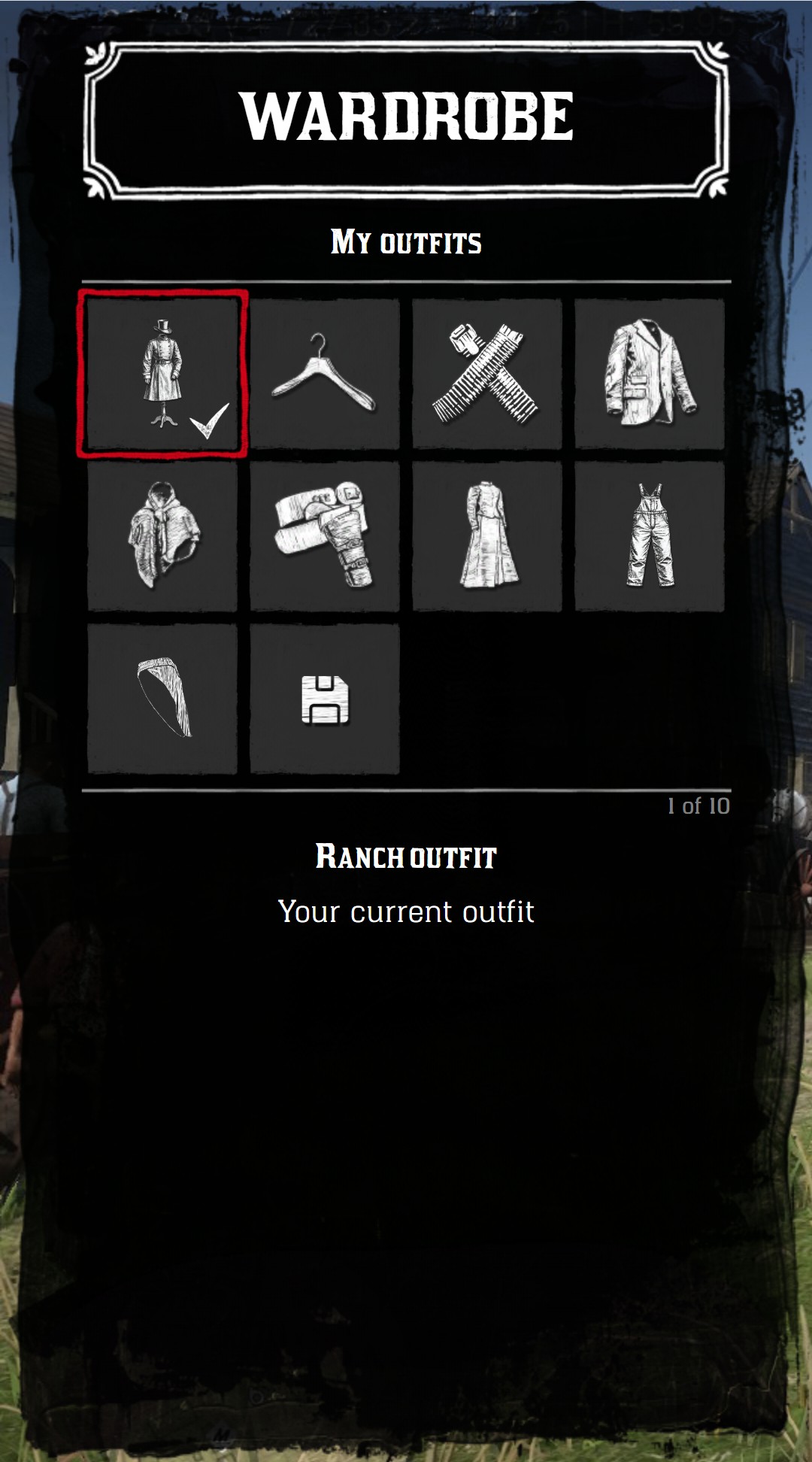
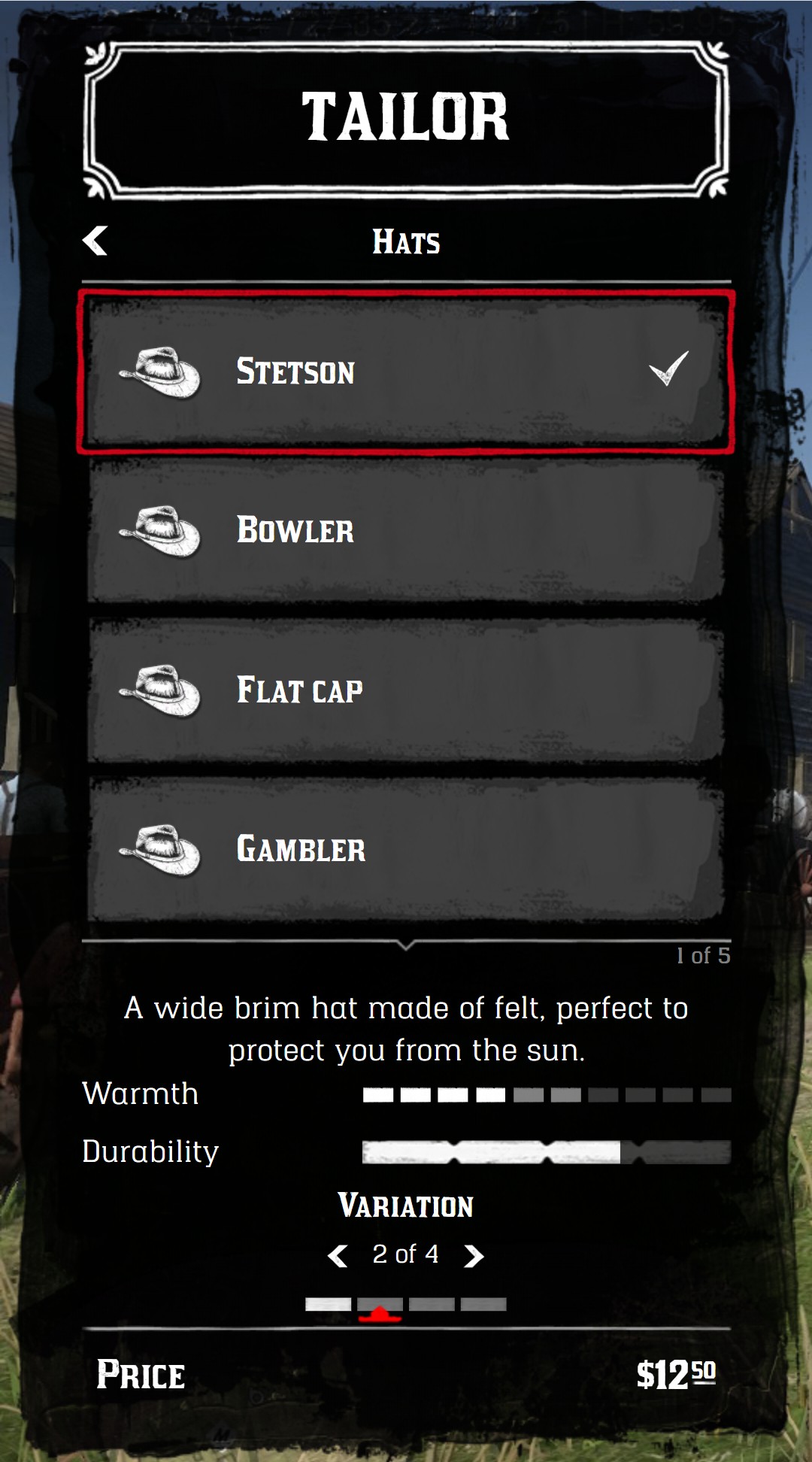
The Jump On Menu is a NUI menu designed to blend with the menus of Red Dead Redemption II. It works with the keyboard and the mouse, and it's built to stay fast even with hundreds of items.
Every action is attached to an item (`onClick`, `onActive`, `onChange`...) instead of the whole menu, so a menu is just a list of tables. Lists, tile grids, sliders, color palettes, statistics and prices are all included.
## Installation
1. Add the jo_libs initiator as a shared script in your `fxmanifest.lua`:
```lua
shared_scripts {
'@jo_libs/init.lua'
}
```
2. Add the `menu` module in the `jo_libs` list of your `fxmanifest.lua`:
```lua
jo_libs {
'menu',
}
```
You can now use the menu with the `jo.menu` global variable, in your client scripts.
:::tip No ui_page needed
The module loads its own NUI page (`nui://jo_libs/nui/menu/index.html`). You don't need to set `ui_page` in your `fxmanifest.lua`, so you keep it free for your own interface.
:::
## Quick start
A menu is created with an ID, filled with items, then sent to the NUI. Once sent, you choose the menu to display and show it.
```lua
local function openTailor()
-- 1. Create the menu
local menu = jo.menu.create("tailor", {
title = "Tailor",
subtitle = "Clothes",
onBack = function()
-- Backspace on the first menu: close the menu
jo.menu.show(false)
end,
})
-- 2. Add the items
menu:addItem({
title = "Hats",
icon = "hats",
child = "hats", -- opens the "hats" menu
})
menu:addItem({
title = "Leave",
onClick = function()
jo.menu.show(false)
end,
})
-- 3. Send the menu to the NUI
menu:send()
-- A second menu, opened by the "Hats" item
local hats = jo.menu.create("hats", { title = "Tailor", subtitle = "Hats" })
hats:addItem({
title = "Stetson",
icon = "hats",
price = { money = 12.5 },
onClick = function(currentData)
print("Buy", currentData.item.title)
end,
})
hats:send()
-- 4. Choose the menu to display and show it
jo.menu.setCurrentMenu("tailor")
jo.menu.show(true)
end
RegisterCommand("tailor", openTailor)
```
[Download the example resource](https://raw.githubusercontent.com/Jump-On-Studios/Documentation/main/docs/public/snippets/menu/snippet_menu.zip)
## How it works
- **A menu** is a table created with [`jo.menu.create()`](./functions#jo-menu-create) and identified by its ID. It holds the configuration (title, type, callbacks...) and the list of items.
- **An item** is a line (or a tile) of the menu, added with [`MenuClass:addItem()`](./functions#menuclass-additem). All its options are listed in [Items](./items).
- **The NUI** only knows the menus you send with [`MenuClass:send()`](./functions#menuclass-send). After changing a menu, send the changes with [`MenuClass:push()`](./functions#menuclass-push) or [`MenuClass:refresh()`](./functions#menuclass-refresh). See [Update a menu](./events#update-a-menu).
- **The current menu** is the one displayed by [`jo.menu.show()`](./functions#jo-menu-show). Change it with [`jo.menu.setCurrentMenu()`](./functions#jo-menu-setcurrentmenu), or let the player navigate with the `child` key of the items.
- **The callbacks** (`onClick`, `onActive`, `onChange`...) receive the current state of the menu: `{menu = menuID, index = activeItemIndex, item = activeItem}`. See [Events](./events).
## Going further
| Page | Content |
| --- | --- |
| [Menus](./menus) | Menu types, title, image, navigation, display, translations, controls |
| [Items](./items) | Icons, texts, colors, prices, tile options |
| [Sliders](./sliders) | Default, switch, grid, palette, sprite and color sliders |
| [Statistics](./statistics) | Text, bars, icons, weapon bars and prices under the description |
| [Events](./events) | Callbacks, order of the events, update a menu while it's open |
| [Functions](./functions) | Reference of all the functions and methods |